
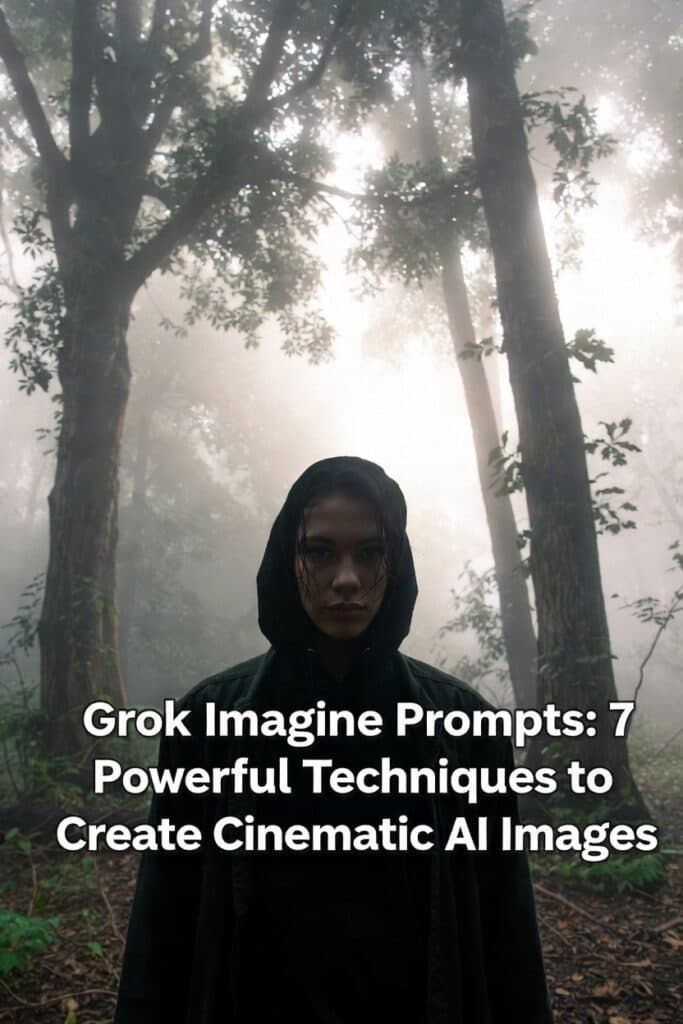
Grok Imagine prompts are the true engine behind stunning AI-generated images and short videos on X. While xAI’s Grok Imagine model delivers cutting-edge visual generation, the difference between a generic image and a cinematic masterpiece comes down to how well you write your prompt.
Many users assume great results come from the AI alone—but professionals know the secret lies in direction, emotion, and structure. You don’t need to be a filmmaker or designer to achieve breathtaking visuals. You simply need to communicate your vision clearly and intentionally.
This in-depth guide breaks down proven Grok Imagine prompting techniques, drawing from official tips, creator best practices, and real-world examples. By the end, you’ll know how to craft prompts that consistently generate cinematic, emotional, and professional-grade visuals.
What Are Grok Imagine Prompts?
Grok Imagine prompts are structured instructions that guide xAI’s Grok Imagine model to generate high-quality AI images and short videos. These prompts define the scene, style, mood, lighting, and camera perspective, helping the AI understand not just what to create—but how it should feel.
Well-written prompts reduce randomness, improve realism, and produce visuals that look like movie stills rather than generic AI art.
Think Like a Director When Writing Grok Imagine Prompts
The biggest mistake beginners make is describing instead of directing. Strong Grok Imagine prompts don’t list objects—they orchestrate a scene.
❌ Basic Prompt
A woman walking on a street.
This lacks emotion, framing, and atmosphere.
✅ Cinematic Prompt
Cinematic shot of a woman walking alone on a rain-soaked city street at night, neon lights reflecting on wet pavement, quiet atmosphere, moody tone, shallow depth of field.
Why this works:
-
Environment: Rainy street with reflections
-
Mood: Quiet, introspective
-
Camera language: Cinematic framing, shallow depth of field
Pro Tip: Many creators follow the Action + Lighting + Style formula:
-
Action: What the subject is doing
-
Lighting: How light interacts with the scene
-
Style: Cinematic or artistic influence
Use Emotional Language in Grok Imagine Prompts
Grok Imagine responds exceptionally well to emotion-driven language. Flat adjectives lead to flat visuals. Emotional intent creates realism.
❌ Weak Prompt
A happy girl under the sun.
✅ Emotion-Rich Prompt
Close-up of a carefree young woman laughing under warm golden sunlight, wind moving through her hair, soft cinematic lens flare, joyful and nostalgic mood.
Key upgrades:
-
“Happy” → carefree, laughing
-
“Sun” → warm golden sunlight
-
Adds motion, texture, and viewer emotion
Pro Technique: Structured Prompting
Many advanced users format Grok Imagine prompts like this:
This reduces ambiguity and improves consistency.
Results:

Control Composition Like a Photographer
Composition determines how viewers emotionally experience your image. Grok Imagine understands professional photography and film terminology.
Wide/Establishing Shot
Best for scale and environment.
Wide establishing shot of a futuristic city skyline at dawn, soft mist between buildings, calm atmosphere.
Results:

Low-Angle Shot
Creates power and dominance.
Low-angle cinematic shot of a lone figure on a rooftop, coat flowing in the wind, city lights below, powerful mood.
Close-Up Shot
Builds intimacy and emotion.
Tight close-up of a dancer’s face mid-performance, sweat visible, intense focus in the eyes.
Best Practice:
Limit prompts to one main subject and use framing rules like the rule of thirds to avoid clutter.
The 5-Part Formula for High-Quality Grok Imagine Prompts
For repeatable, professional results, use this five-part prompt framework.
1. Scene
What’s happening?
A lone samurai standing on a mountain ridge.
2. Style
Artistic or cinematic influence.
Cinematic realism inspired by Akira Kurosawa.
3. Mood
Emotional tone.
Stoic, powerful, timeless.
4. Lighting
Light quality and time.
Soft dawn light with drifting fog.
5. Camera
Shot type and lens.
Wide shot, 50mm lens, deep depth of field.
Complete Prompt Example
Cinematic Keywords That Improve Grok Imagine Prompts
Use these sparingly for professional polish:
-
Cinematic realism
-
Shallow / deep depth of field
-
Golden hour lighting
-
Volumetric light rays
-
35mm film grain
-
85mm portrait lens
-
Motion blur
-
Epic scale
These terms help Grok Imagine shifting from illustration to film-quality visuals.
How to Refine and Iterate Grok Imagine Prompts
Rarely does the perfect image appear on the first try. Iteration is essential.
Step-by-Step Refinement
-
Base: Portrait of a woman holding flowers
-
Detail: Portrait of a woman holding yellow tulips under warm light
-
Polish: Cinematic portrait, yellow tulips, 85mm lens, soft depth of field, gentle morning glow, no distortions
Prompt Evolution Example
-
“Same image, but add soft morning sunlight through the window.”
-
“Transform the scene into a cyberpunk café with neon lighting.”
This method is ideal for storytelling and visual series.
Common Mistakes to Avoid When Writing Grok Imagine Prompts
-
Overloading prompts with conflicting styles
-
Using vague terms like “nice” or “cool”
-
Ignoring lighting and camera perspective
-
Adding too many subjects
-
Failing to iterate and refine
Rule of thumb: Adjust one variable per iteration.
Final Thoughts: From Description to Direction
Mastering Grok Imagine prompts is about intention—not complexity. When you direct scenes with emotion, structure, and cinematic awareness, Grok Imagine becomes a powerful creative partner rather than a random generator.
Think like a director. Write with emotion. Iterate relentlessly.
If you’re creating on X, experiment boldly and refine carefully—the results will speak for themselves.
🔖 Pro Tip
Bookmark this guide or share it with fellow creators exploring AI image generation on X. The difference between average and extraordinary visuals starts with the prompt.